File preparation guide
A print-ready file means CMYK colour, 300 dpi resolution, a 3 mm bleed, text converted to outlines and the PDF/X format. This guide is for anyone sending files to Aybil.
- CMYK
- 300 dpi
- 3 mm bleed
- Outlines
- PDF/X
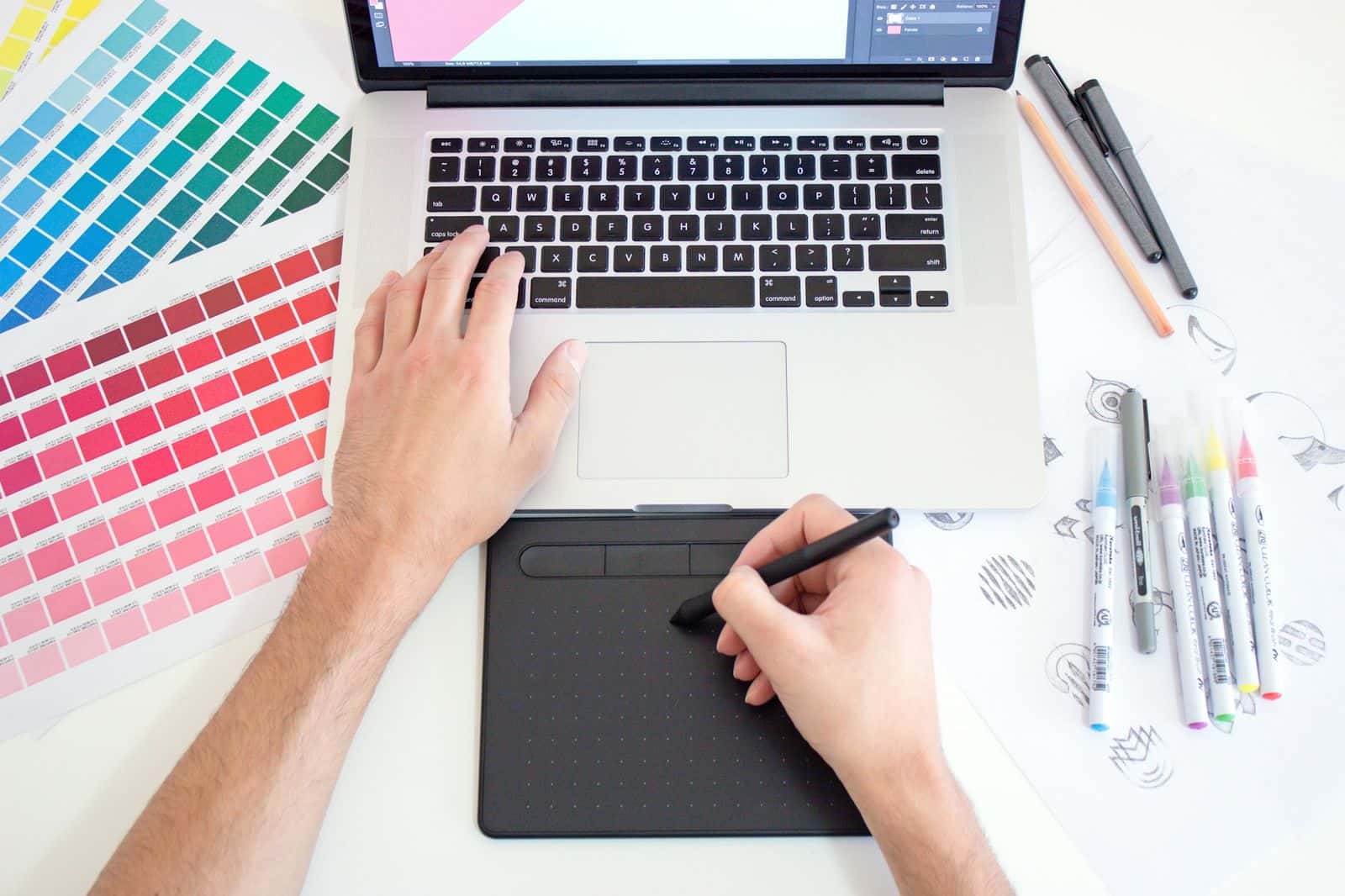
Colour mode: CMYK
CMYK is the four ink colours a printing press uses: cyan, magenta, yellow and black. RGB files made for screens can print duller, so save your file in CMYK.
Resolution: 300 dpi
dpi is the number of dots per inch. Use 300 dpi for work seen at normal reading distance. Large-format posters are viewed from further away and can print sharply at a lower resolution; ask us on WhatsApp if you are unsure.
Bleed: 3 mm
Bleed means extending background colour and images 3 mm beyond the trim line so no white edge is left after cutting. Keep important text at least 3 mm inside the trim line too.
Text converted to outlines
If we do not have your font, the text may change. Convert text to outlines (create outlines) or embed the fonts in your PDF.
Format: PDF/X
PDF/X is a standardised PDF for print that carries colour and font information reliably. Export as PDF/X-1a or PDF/X-4 and include the bleed.
How to send your file
There is no file upload on the site. Send your files through the channel you already use:
WhatsApp
Send the file as a “Document”. Files sent as photos are compressed.
Email
Attach it to an email to info@aybildijital.com.
Large files
Send a WeTransfer or Google Drive link.
Downloadable templates
Product templates are on the product pages. You can ask us for the template you need on WhatsApp.
Let us prepare a quote for your job
Send your file on WhatsApp or by email. We'll plan the delivery around your job.